
Best eSIM for Japan: Networks and Prices Compared
For a city trip a single 5 GB eSIM settles it, and everything changes the moment you leave the cities. Brands run on different Japanese networks and almost none of them sell Docomo. Here is what each brand runs on, what it costs, and what to buy for the trip you are taking.
| City trip, 3–5 days | one capped eSIM around 5 GB covers it. |
|---|---|
| Rural or mountains | you want Docomo, and travel eSIMs almost never run on it. |
| Travelling as a group | from three people a single pocket WiFi router costs less. |
| Unlimited | prices rose sharply in early 2026, so compare against capped plans. |
| ID | data-only plans still activate with no identity check. |
| Japanese number | a voice SIM needs a residence card, so visitors cannot get one. |
1. A data-only SIM needs no identity check
2. Why you keep reading that a passport is now required
3. You cannot buy a Japanese phone number as a visitor
4. Japan has no 3G network left
5. Networks are identical in the cities and separate in the hills
6. What each brand costs, and which network it runs on
7. Check that your handset takes an eSIM
8. What each option costs
9. Why pocket WiFi survives in Japan
10. How much data you will actually use
11. Buying at the airport: where the counters are and when they close
12. Can you get by on free WiFi alone
13. Install at home, activate on arrival
14. Where it still drops out
15. What fits which trip
16. The check before you fly
17. Other Japan guides worth reading
1. A data-only SIM needs no identity check
As of August 2026 you can buy and activate a data-only SIM or eSIM in Japan without showing any identification. That holds whether you buy at an airport counter, at an electronics chain, at a convenience store, or from an overseas eSIM seller before you fly. The requirement people are thinking of applies to voice SIMs that come with a Japanese phone number, and those sit behind a much higher barrier.
| What you are buying | What you need right now |
|---|---|
| Data-only eSIM from an overseas seller | Nothing beyond a payment card |
| Data-only physical SIM in Japan | Nothing |
| Voice SIM with a Japanese number | A residence card. Not available to short-stay visitors |
For almost every trip the distinction does not bite, because what you actually consume in Japan is data. Maps, train times, translation, messaging and restaurant bookings all run on it. The one thing a Japanese number would give you is the ability to be called by a hotel or a rental desk, and messaging apps cover that.
Japan eSIM cost calculator
Enter how long you stay and how much data you expect to use. The table shows what each provider actually charges for that trip, what you get, and how many days you end up paying for but not using.
Rows are in a fixed order by provider. That order is not a ranking.
They price on different axes. Airalo sells a fixed ladder of trip lengths alongside a grid of data caps. Yesim sells unlimited by the exact day, so a 12-day trip costs 12 days rather than a 15-day package. Saily sells a few data bundles with a fixed validity, plus unlimited plans where you pick the number of days.
- Airalo · Network: Softbank 5G · KDDI 5G
- Airalo · Speed limit on unlimited packages: Unlimited means unlimited until 3 GB in one day. After that the speed drops to 1 Mbps for the rest of that day, then resets.
- Yesim · Network: not disclosed by the provider
- Saily · Network: not disclosed by the provider
- Saily · Speed limit on unlimited packages: Unlimited means unlimited until 5 GB in one day. After that the speed drops to 1 Mbps for the rest of that day, then resets.
- Every option here is data only. None of them gives you a local phone number, so if you need one for calls, deliveries or SMS codes, an eSIM of this kind is not the answer.
Every package and price, side by side: the full eSIM cost calculator
2. Why you keep reading that a passport is now required
Japanese telecoms rules did change in 2026. What has changed and what has not are being reported as one thing. They are two separate amendments with two separate timelines.
| Which change | What it does | Status |
|---|---|---|
| The method of identity verification | Remote verification by uploading a photo of a document has been retired in favour of reading the IC chip in a My Number card. In person, a document without a photograph is no longer accepted | In force |
| The scope of identity verification | Extends the requirement to data-only SIMs and caps how many lines one person may hold | Not yet in force |
Several English-language articles have compressed those into a single claim that data SIMs now require a passport. Only the first has taken effect, and it changed the procedure for contracts that already required verification. Japanese carriers state plainly in their own customer notices that data-only plans fall outside it.
The second one has passed and been promulgated, but its commencement date is left to a cabinet order that has not been issued. The law must come into force within a year of promulgation, so it will apply sometime before the end of next year. The cap on lines per person has not been set either. If your trip is months away, check the seller’s own page again before you buy. It costs nothing to look, and you are carrying your passport regardless.
3. You cannot buy a Japanese phone number as a visitor
A voice SIM that issues a Japanese number requires a residence card. Visitors on a short-stay entry do not have one, so the product is not sold to them. Shops enforce this closely, and retailers have been penalised for skipping the check.
Two routes exist around it.
| Provider | How it works |
|---|---|
| Mobal | Orders online in advance and ships before you travel |
| SoftBank | Sold only at airport counters at Narita, Haneda, Nagoya and Kansai. City stores will not sell it to you |
Whether that is worth arranging depends on the shape of your trip. A Japanese number matters for reporting a rental car incident, for the handful of ryokan and minshuku that confirm by phone rather than email, and for booking a clinic. On a two-week trip through cities you will not miss it. Driving in Hokkaido or Kyushu for a month is a different case.
4. Japan has no 3G network left
NTT Docomo shut its 3G network on 31 March 2026, which removed the last 3G service in Japan. au closed in March 2022 and SoftBank in April 2024.
| Carrier | 3G switch-off |
|---|---|
| au (KDDI) | March 2022 |
| SoftBank | April 2024 |
| NTT Docomo | 31 March 2026 |
The practical consequence is that a 3G-only handset now gets no voice, no SMS and no data anywhere in the country. It also removes the slow fallback that used to appear at the edge of 4G coverage. If you were planning to carry an old spare phone as a backup, check that it supports 4G before you pack it. Anything bought in the last several years is fine.
5. Networks are identical in the cities and separate in the hills
Japan has four carriers. In Tokyo, Osaka, Kyoto and every other place with crowds, you will not tell them apart. All four run 5G and all four cover essentially the whole population with 4G.
| Carrier | Subscribers | Share | 5G in Tokyo’s 23 wards |
|---|---|---|---|
| NTT Docomo | 84 million | 40.6% | 96% |
| au (KDDI) | 63 million | 30.4% | 94% |
| SoftBank | 51 million | 24.6% | 88–89% |
| Rakuten Mobile | 9 million | 4.4% | 76% |
The number that matters once you leave the cities is not population coverage but land coverage. Population coverage counts where people live, and nobody lives along a ridge trail or a coastal road.
| Carrier | 4G land coverage | Known weak areas |
|---|---|---|
| NTT Docomo | 95% (99.9% of population) | Japanese Alps summits above 2,500 m |
| au (KDDI) | 88–90% | Shimokita Peninsula, inland Shikoku, southern Hokkaido |
| SoftBank | 5–10 points below Docomo | Mountain regions generally |
That reduces the decision to one question. City itinerary, buy anything. Everything outside the cities is where it gets interesting, and there is one fact most guides skip.
6. What each brand costs, and which network it runs on
This is where the choice gets made. The brands differ on price structure and on host network at the same time. Straight from what each publishes:
| Brand | Japan pricing | Network | Worth knowing |
|---|---|---|---|
| Yesim | Capped, 30 days 1 GB $4.44 · 5 GB $10.56 · 10 GB $19.20 · 20 GB $29.76 | 5G | Closest to what travellers use. One-day plans from $4.20 |
| Saily | 1 GB / 7 days $3.99 · 20 GB / 30 days $24.99 Unlimited $18.99 for 5 days to $71.99 for 30 | Not stated | “Unlimited” throttles after 5 GB a day |
| Airalo | Unlimited only 3 days $11.50 · 7 days $27.00 · 30 days $69 | SoftBank plus one other | No capped plans at all |
| Klook | Varies by product | SoftBank 5G | The network is stated on the product page |
| KKday | Varies by product | 5G | Also carries physical SIMs and pocket WiFi |
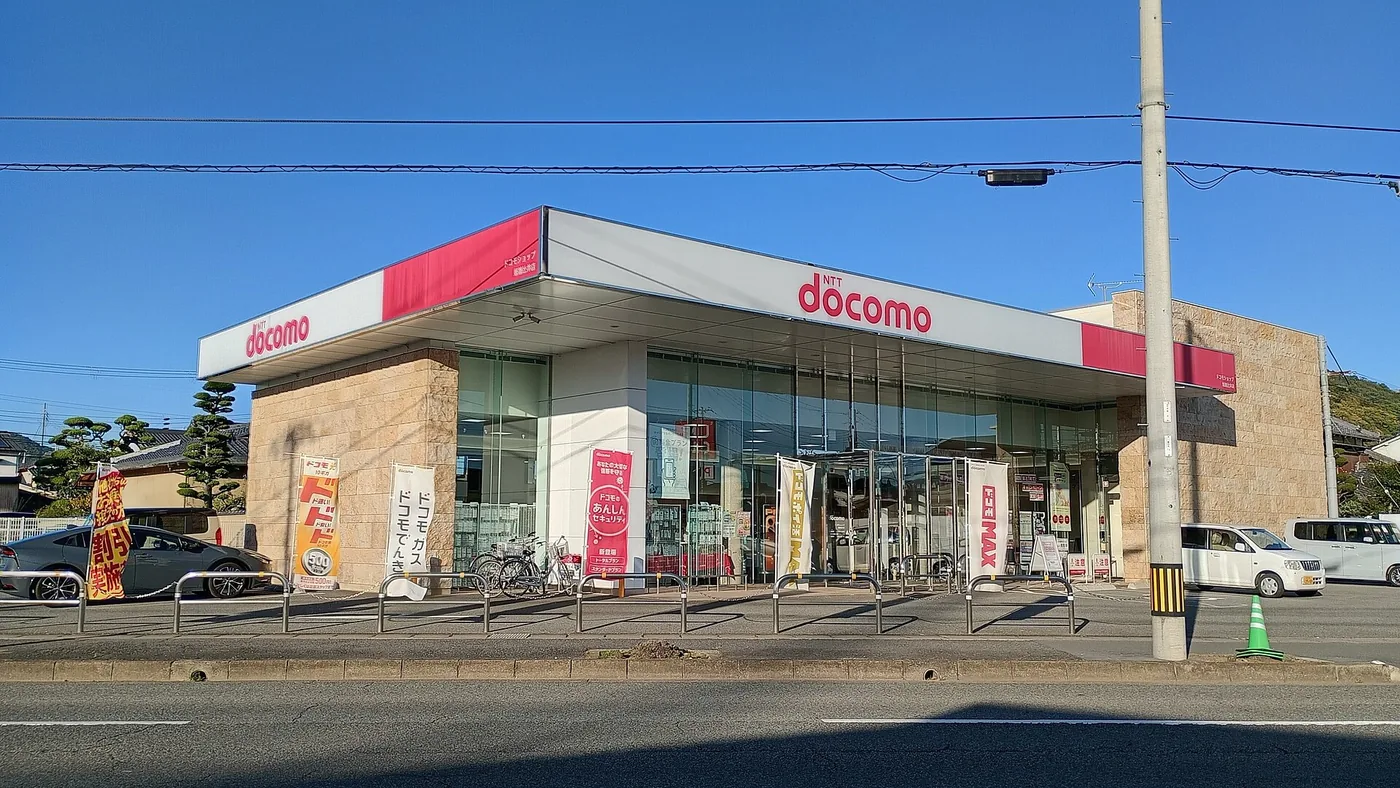
| Docomo-network MVNO SIMs (Sakura Mobile, bmobile, IIJmio) | From ¥1,900 for 10–15 days | Docomo | Effectively the only route to Docomo |
Two things stand out. First, none of the mainstream travel eSIMs run on Docomo, despite Docomo having the widest land coverage. Second, the gap between capped and unlimited is large. A traveller using 3–5 GB a week pays $10.56 for Yesim’s 5 GB over 30 days, and the same money does not even buy three days of Airalo unlimited.
| Your itinerary | What to buy |
|---|---|
| Tokyo, Osaka, Kyoto and other cities | Yesim 5 GB at $10.56, or the Klook eSIM. SoftBank and au are indistinguishable in cities |
| Streaming or tethering a laptop | Airalo unlimited, $27 for seven days |
| Mountains, back roads, a long coastal drive | A Docomo-network physical SIM. Buying Docomo as an eSIM is difficult |
7. Check that your handset takes an eSIM
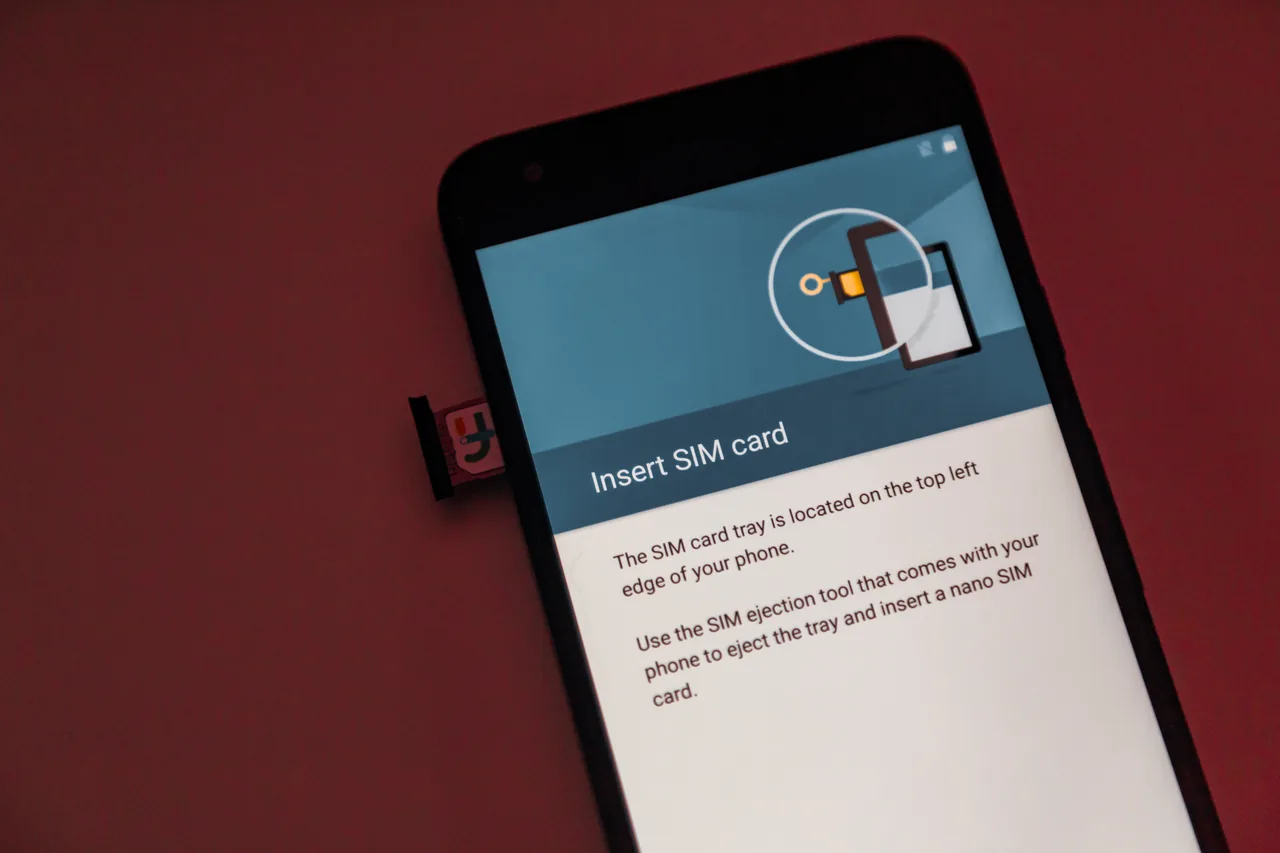
Two things have to be true before you buy. The phone has to support eSIM, and it has to be carrier-unlocked.
| Handset | eSIM support |
|---|---|
| iPhone | XS, XR, SE (2020) and later |
| Samsung Galaxy | S20 and later, Note 20, Z Fold and Flip, some A-series (A54, A55) |
| Google Pixel | Pixel 3 and later |
The quickest check is to dial *#06#. If an EID appears, the handset takes an eSIM. You can also look for “Add eSIM” in the network settings.
For a physical SIM the handset must be unlocked. A phone still tied to an instalment plan at home will refuse a Japanese SIM. Sort that out with your carrier before you leave rather than at an airport counter.
8. What each option costs
There are three ways to get online and their price ranges overlap, so cost alone rarely settles it.
| Option | Typical price | When it fits |
|---|---|---|
| eSIM | 1 GB / 3 days about $4, 10 GB about $18, 20 GB / 30 days about $26 | One or two people with supported handsets |
| Physical SIM at the airport | 5 GB / 7–10 days ¥2,000–3,000 High-data 15–30 days ¥4,000–6,000 | Handsets that cannot take an eSIM |
| Pocket WiFi | ¥440–4,064 per day, falling steeply with rental length | Groups of three or more |
The airport range is wide because it spans several host networks. Docomo-network MVNOs such as Sakura Mobile, bmobile, eConnect and IIJmio start around ¥1,900 for ten to fifteen days and run past ¥5,000 for thirty to sixty. au’s own prepaid range runs ¥2,000 to ¥9,000. Counters sit at Narita, Haneda and Kansai Terminal 1.
Most travellers use less than they expect. Maps, messaging and translation on a week-long trip land between 3 and 5 GB, because hotel and café WiFi absorb the rest. Streaming video or tethering a laptop for work is the case where unlimited earns its price.
9. Why pocket WiFi survives in Japan
Pocket WiFi has all but died elsewhere and is still everywhere in Japan. One property explains it. A single unit serves everyone travelling together.
eSIMs are bought per person: four travellers buy four. A pocket WiFi router is one rental split four ways, and the daily rate drops steeply the longer you keep it, so on trips beyond a week with three or more people the totals cross over.
| Provider | Price |
|---|---|
| Japan Wireless | $19 for one day, $129 for 30 days (about $4.30 a day) |
| Ninja WiFi | $2.98 a day for small allowances up to $13.40 for unlimited |
The conditions attached are real. You have to return it, at an airport counter or by post, which is one more thing to hold on a tight final morning. It needs charging. And it only works for whoever is carrying it, so a group that splits up for the day leaves somebody offline. Families moving as one unit do well with it. Trips where people go their own way and meet for dinner do not.
10. How much data you will actually use
The commonest mistake when choosing is buying far more data than the trip needs. Hotel, café and restaurant WiFi absorb a large share of the day, so the cellular total stays low.
| Activity | Per day | Over a week |
|---|---|---|
| Maps and navigation, two or three hours a day | 50–150 MB | 0.5–1 GB |
| Messaging, including a few photos | 50–100 MB | about 0.5 GB |
| Translation, including camera translation | 30–80 MB | 0.3–0.5 GB |
| Search and restaurant bookings | 50–100 MB | about 0.5 GB |
| Social feeds and video | 500 MB–2 GB | 4–14 GB |
| Tethering a laptop to work | 1–3 GB | 7–20 GB |
The first four rows together come to under 2 GB a week, so a 5 GB plan leaves room to spare. Unlimited earns its price only on the last two rows, and not even then if you save the video for hotel WiFi.
11. Buying at the airport: where the counters are and when they close
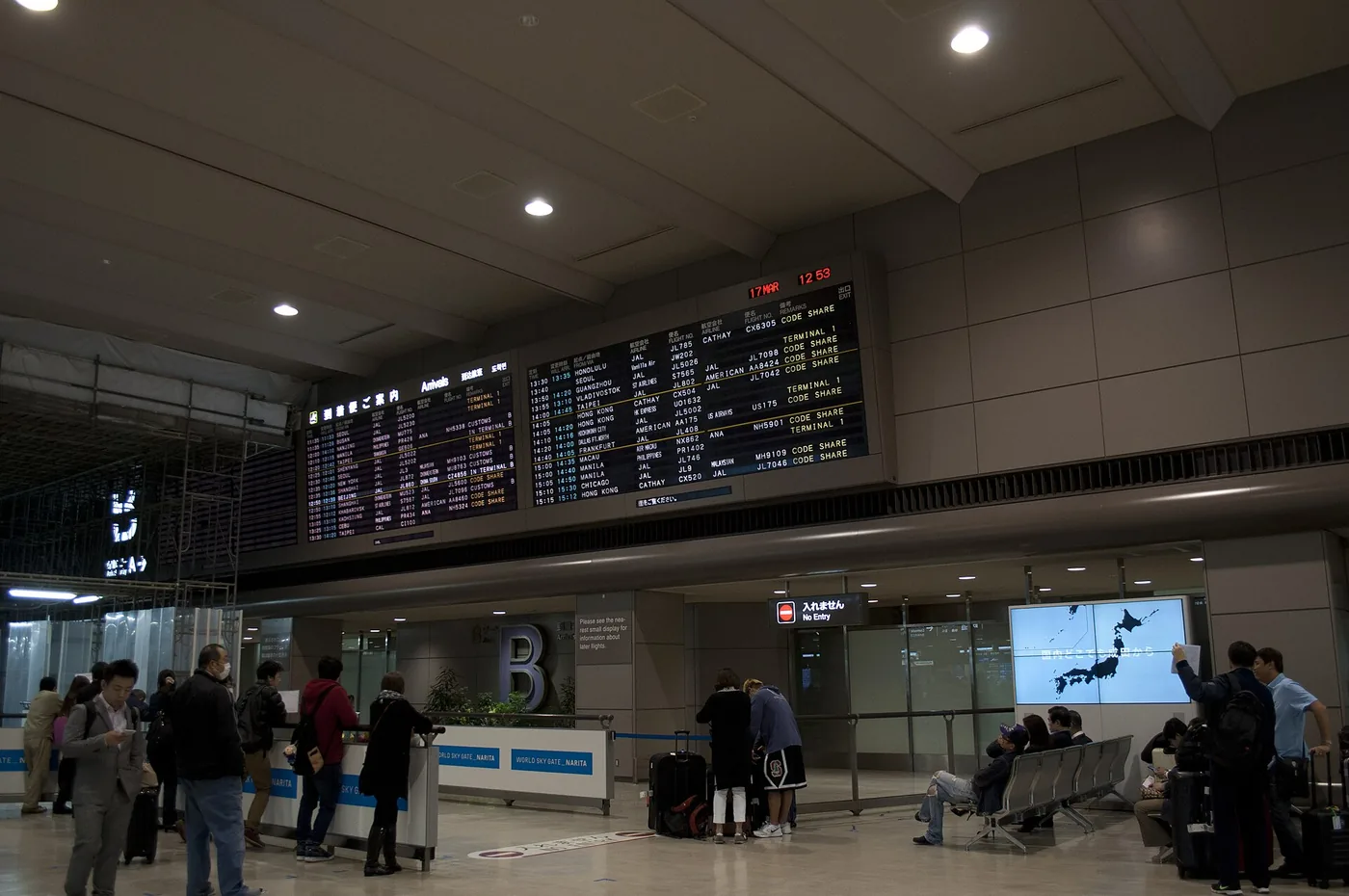
If your handset cannot take an eSIM, or you specifically want Docomo, you buy a physical SIM on arrival. Locations and closing times differ by airport, and a late landing makes this the first thing to check.
| Airport | Where | Hours |
|---|---|---|
| Narita | Terminals 1, 2 and 3, counters and vending machines (JAL ABC, AnyFone, Rakuten Mobile, SoftBank) | Terminal 2 main building 1F runs 07:00–21:00 |
| Haneda | Mainly Terminal 3 for international arrivals, counters and machines | Bic Camera in Terminal 3 07:00–22:00; SoftBank counter in Terminal 2 08:00–20:00 |
| Kansai | Terminal 1 | Pickup windows have run 06:00–11:00, so check the hours against your landing time |
Vending machines sometimes run after the counters close, but they carry a narrower range. Landing after midnight makes buying a physical SIM on the spot a risky plan. Installing an eSIM in advance removes the problem entirely. Ordering online for airport collection still ties you to counter hours.
12. Can you get by on free WiFi alone
Japan does have a lot of free WiFi, which leads some travellers to plan on buying nothing. It works, in the sense that surviving and using are different things.
Airports, stations, convenience stores, cafés and chain restaurants all offer it. The friction is in how it behaves: many networks want an email address or a fresh agreement on every connection, and sessions expire after twenty or thirty minutes. That is workable when you sit down and useless when you are walking with a map open.
That bites hardest on a city-hopping route like the Golden Route. The moments that actually go wrong are predictable. Finding the right platform during a transfer, finding a booked restaurant down an alley, checking when the next bus comes. All of them happen standing up or moving, which is exactly when you cannot get onto a WiFi network.
So free WiFi is excellent as a supplement and unusable as the only plan. Buy a small data allowance and let the WiFi carry the heavy things.
13. Install at home, activate on arrival
Downloading an eSIM profile needs an internet connection, which is why people get stuck trying to set one up after landing. Install it on your home WiFi before you fly.
On iOS: Settings, then Cellular, then Add eSIM, scan the QR code, label the line, set it as the data line, and turn on data roaming for that line. This is the step that confuses people. The roaming toggle here is not your home carrier’s roaming; it tells the phone to use the local Japanese line, and it carries no charge. Then turn data off on your home line.
On Android: Settings, then Network or Connections, then SIMs, add the eSIM, set it as the preferred data SIM and enable roaming on it.
Keep your home line alive for bank one-time codes. On a dual-SIM handset, leave it able to receive calls and texts with its data switched off and nothing is billed.
14. Where it still drops out
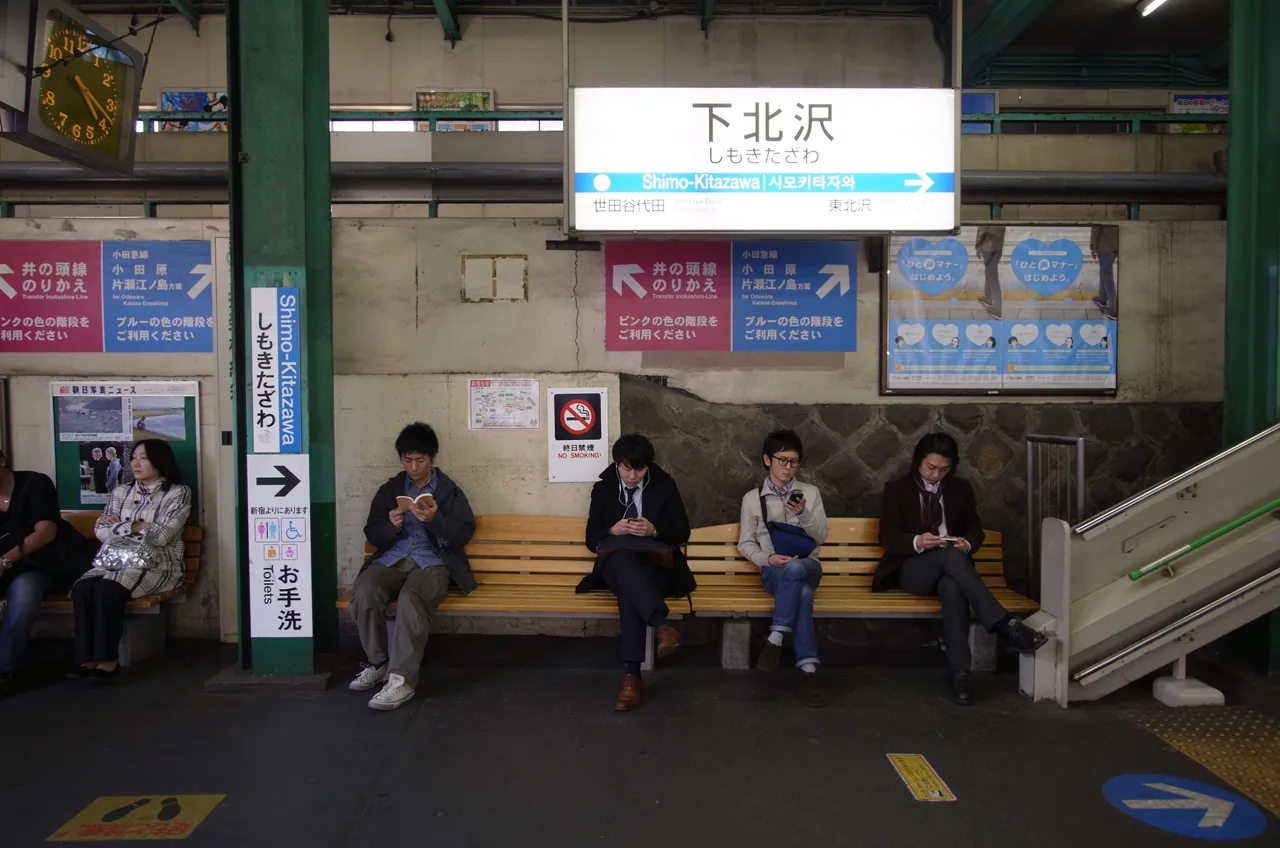
Cities are solved. Moving between them is not. Tunnels on the Shinkansen and on local lines cut every carrier, and Japan is mountainous enough that a route hits them repeatedly. The two and a half hours from Tokyo to Kyoto drop several times.
That applies most on a JR Pass and Shinkansen itinerary. The fix is preparation rather than a better plan. Load what you need before boarding: save maps offline, screenshot the ticket QR and the hotel address. The habit worth building is never depending on opening a booking screen while in motion.
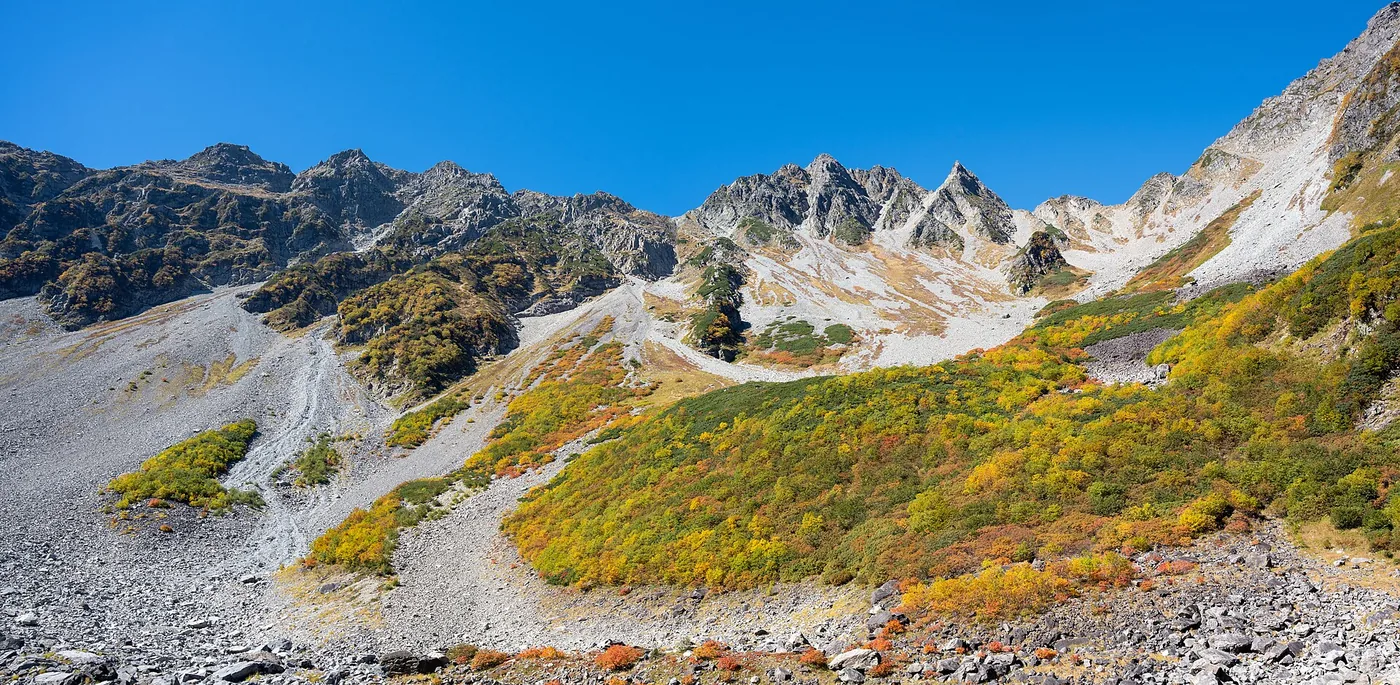
In the mountains and on the smaller islands the carrier does matter, along the lines set out above, and even Docomo has gaps above 2,500 m in the Alps. Anyone with a hiking day in the plan should download the map offline regardless of network.
Free WiFi is common at airports, stations, convenience stores and cafés. Many networks re-authenticate on each connection, which makes them workable when you sit down and useless while walking with a map open.
15. What fits which trip
Putting the conditions above together by the shape of the trip:
| Trip | What to buy | Why |
|---|---|---|
| Three to five days in Tokyo or Osaka, one or two people | A capped Airalo plan around 5 GB, or the Klook Japan eSIM | Networks are indistinguishable in the cities and that allowance leaves room |
| A weekend, two or three days | A three-day eSIM (Airalo unlimited runs about $11.50) | Under four dollars a day, so compare it against your roaming rate before defaulting to roaming |
| Family of four moving together all day | One pocket WiFi router | You are not buying per head, and past a week the totals cross over |
| Driving through the countryside, coast or mountains (Beppu and Yufuin, Miyako Island) | A physical SIM, choosing a Docomo-network product at the seller | 95% land coverage, and travel eSIMs do not sell Docomo |
| Streaming, or tethering a laptop for work | Airalo unlimited (about $27 for seven days) | A capped plan disappears in a few days |
| An iPhone bought in mainland China | Physical SIM or pocket WiFi | Those handsets have no eSIM at all |
| A month or longer, needing a local number | Mobal, or SoftBank at an airport counter | Voice SIMs need a residence card and those are the two exceptions. Neither is something we carry |
16. The check before you fly
Nearly every airport panic traces back to one of these six being skipped.
| When | What |
|---|---|
| Before buying | Dial *#06# and look for an EID. No EID means the handset takes no eSIM |
| Before buying | For a physical SIM, confirm the handset is carrier-unlocked |
| Before buying | Going rural? Read the supported-network line. If you need Docomo, buy a physical SIM rather than an eSIM |
| Night before | Install the eSIM on home WiFi. Do not activate it |
| Night before | Download your destinations in Google Maps for offline use |
| Before boarding | Switch off data on your home line but leave calls and texts on, for bank codes |
Our accommodation tax guide covers the other thing collected in person at check-in. On arrival there is one step left: turn off airplane mode, set the Japanese line as the data line, and enable roaming on that line. Done properly, the map is already open while you are still in the immigration queue.
17. Other Japan guides worth reading
With data sorted, what is left is moving around, sleeping and paying. Take what applies.
| What you are deciding | Guide |
|---|---|
| The whole trip | Complete Japan travel guide · Golden Route itinerary · Best time to visit |
| Getting around | JR Pass and Shinkansen · Suica and ICOCA · Airport into Tokyo · Busan to Fukuoka ferry |
| Where to sleep | Tokyo · Osaka · Kyoto · Sapporo · Okinawa |
| Money | Cash and cards · Accommodation tax · Departure tax |
| Beyond the cities | Onsen and ryokan · Skiing · Beppu and Yufuin · Miyako Island |