
Best eSIM for Japan (2026): Which to Buy & How to Set It Up
Skip the airport SIM counter and the pocket Wi-Fi rental. Here’s how to land in Japan already online — which eSIM to pick, whether your phone can use one, and the five-minute setup.
| Get an eSIM | for almost every traveller in 2026 it’s the easiest way to have data the second you land — no SIM swap, no rental counter, no extra gadget. |
|---|---|
| Check your phone first | you need an eSIM-capable, carrier-unlocked phone — iPhone XS/XR (2018) or newer, Samsung Galaxy S20 or newer, recent Pixel. One quick check below. |
| How much data | 3–5 GB covers a normal one-to-two-week trip (maps, translation, messaging). Go unlimited only if you stream or hotspot a laptop. |
| What it costs | most people pay roughly US$5–18 for a trip. Unlimited plans run more (~$25–65). |
| Set it up at home | install the eSIM over your home Wi-Fi before you fly, then switch it on when you land. You keep your own number for calls and WhatsApp. |
1. What an eSIM is, and why it’s the easy answer for Japan
2. First: can your phone even use one?
3. eSIM vs pocket Wi-Fi vs a physical SIM
4. How much data do you actually need?
5. Which eSIM should you buy?
6. Will I keep my phone number and WhatsApp?
7. How to set it up — step by step
8. When do I install vs activate?
9. Coverage, networks and speed in Japan
10. Sharing your data (hotspot/tethering)
11. If your data won’t connect — quick fixes
12. What a trip actually costs
13. Quick pick for your situation

1. What an eSIM is, and why it’s the easy answer for Japan
An eSIM is just a SIM card built into your phone as software. Instead of popping out a tiny plastic chip and slotting in a new one, you buy a data plan online, install it with a tap (usually by scanning a QR code), and your phone gets a second line for mobile data. Your normal SIM stays exactly where it is.
For a trip to Japan that’s close to magic. You sort everything from your sofa before you leave, then walk off the plane already connected — Google Maps working, trains and translation apps live, no hunting for a counter or a free Wi-Fi password while jet-lagged. For most travellers in 2026, an eSIM is simply the default way to get data in Japan.
2. First: can your phone even use one?
This is the one thing to check before you buy anything, because not every phone can run an eSIM. You need two things to be true: the phone has eSIM hardware, and it’s carrier-unlocked (not locked to the network you bought it from).
| Phone | eSIM since |
|---|---|
| iPhone | iPhone XS, XS Max, XR (2018) and every model after |
| Samsung Galaxy | Galaxy S20 and newer (plus recent Z Fold/Flip, Note20) |
| Google Pixel | Pixel 3 and newer |
Two-minute check on the phone itself:
- iPhone: Settings → General → About → scroll down. If you see “Available SIM” or an EID number, you’ve got eSIM.
- Android: Settings → Connections (or Network) → SIM manager. If “Add eSIM” appears, you’re good. Or dial *#06# and look for an EID.
3. eSIM vs pocket Wi-Fi vs a physical SIM
There are three ways to get online in Japan. Here’s the honest comparison so you can stop second-guessing.
| Option | Best for | The catch |
|---|---|---|
| eSIM | Solo travellers and couples with a modern phone | Phone must support it; data only (which is all most people need) |
| Pocket Wi-Fi | Families/groups of 3+ sharing one connection, or an old/locked phone | One more gadget to carry, charge and return; daily rental adds up |
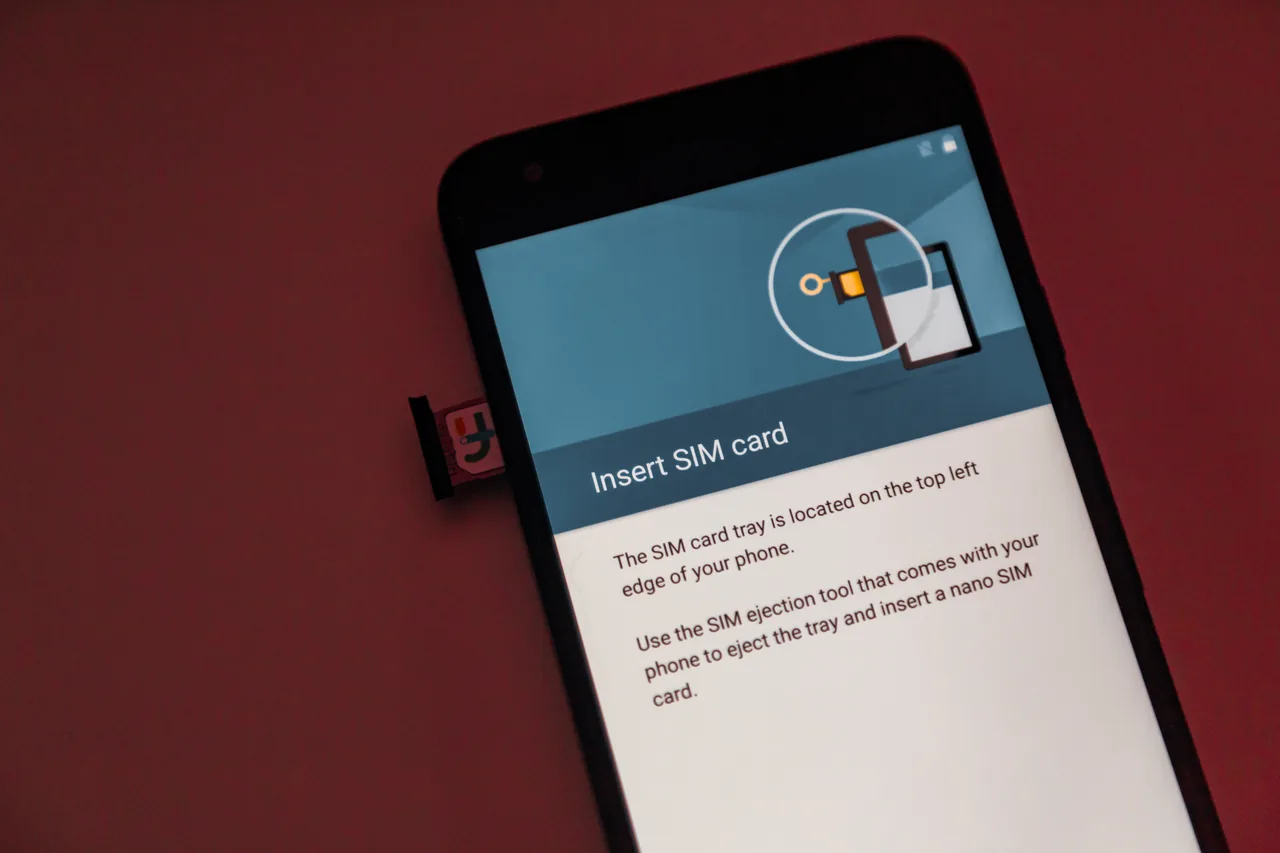
| Physical SIM | Phones with no eSIM, or if you want a local number | You eject your home SIM (mind the OTP texts) and can lose the tiny card |
Short version: if you’ve got a recent unlocked phone and you’re travelling solo or as a couple, get an eSIM. If there are four of you and you want one connection to share all day, a pocket Wi-Fi can work out cheaper and saves four separate plans. A physical SIM is mainly the fallback when your phone can’t do eSIM.
4. How much data do you actually need?
People wildly overbuy here. In Japan you’re mostly using data for maps, train times, translating menus, messaging and the odd ticket QR code — none of which eats much. Heavy video streaming and tethering a laptop are what burn through gigabytes.
| You are… | Per day | For a 7–10 day trip |
|---|---|---|
| Light: maps, messaging, a few photos uploaded | ~300–500 MB | 3–5 GB |
| Normal: the above + social media, some YouTube | ~700 MB–1 GB | 5–10 GB |
| Heavy: streaming, video calls, hotspotting a laptop | 1.5 GB+ | Unlimited plan |
5. Which eSIM should you buy?
There are dozens of sellers and they all run on the same handful of Japanese networks, so don’t overthink it. These are the names worth knowing in 2026:
| Provider | Good to know | Rough price* |
|---|---|---|
| Airalo | The big, beginner-friendly name. Clean app, easy install. Fixed-data plans are great value; its unlimited got pricier in 2026. | ~$4 / 1 GB · ~$10–18 typical trip |
| Ubigi | One of the few with real 5G. Good for data-hungry travellers. | ~$8 / 3 GB · ~$17 / 10 GB |
| Holafly | Unlimited specialist; keeps your number live on WhatsApp. Pricier per day. | ~$64 / 30-day unlimited |
| Klook / KKday | Travel-booking sites that resell eSIMs (and pocket Wi-Fi); handy if you’re already booking tours there. Each listing states the network and whether hotspot is allowed. | From ~$1.50 · varies |
*Prices change often — treat these as ballpark and check the current rate before buying.
Our simple take: if you just want it to work, a fixed-data Airalo plan (5–10 GB) is the safe, easy pick. If you stream or tether a lot, go unlimited (Holafly or an unlimited daily plan). If you want 5G specifically, look at Ubigi.
6. Will I keep my phone number and WhatsApp?
Yes — this is the worry that stops people, and it’s a non-issue. Here’s why.
A travel eSIM gives you a separate data line. Your home SIM (or home eSIM) stays installed and keeps your number, so calls and texts to your normal number still arrive. WhatsApp, iMessage, Telegram and the like are tied to your number and account, not to whichever SIM is providing data — so they carry on exactly as before. You don’t re-register anything.
This is “dual SIM,” and modern phones handle it cleanly: you set the travel eSIM as your data line, leave your home line on for calls/SMS, and you’re done.
7. How to set it up — step by step
The golden rule: install at home on Wi-Fi before you fly, switch it on when you land. Installing needs internet, and you don’t want to be doing that at the airport with no signal.
On an iPhone
- Buy your plan; the seller emails you a QR code (or an “install” button in their app).
- On home Wi-Fi: Settings → Mobile Service (or Cellular) → Add eSIM → scan the QR code.
- Label it something like “Japan Travel” so you don’t mix it up with your home line.
- Leave it switched off until you arrive (or set it to turn on by date, per the seller’s instructions).
- When you land: turn the eSIM on, set it as your mobile data line, and enable data roaming for that line (the eSIM is “roaming” onto a Japanese network — this is normal and free under your plan).
On Android (Samsung/Pixel)
- Home Wi-Fi: Settings → Connections → SIM manager → Add eSIM → scan the QR code.
- Pick the Japan eSIM as your mobile data SIM; keep your home SIM for calls/texts.
- On arrival, turn on data roaming for the travel eSIM. If nothing happens after a few minutes, restart the phone.
8. When do I install vs activate?
This catches a lot of people, because “install” and “activate” aren’t the same thing.
- Install = loading the eSIM onto your phone (scanning the QR). Do this at home, on Wi-Fi, anytime before the trip. It does not start your plan.
- Activate = the plan’s clock starts. With most providers this happens automatically when the eSIM first connects to a Japanese network — i.e. when you land and switch it on. A few let you pick a start date.
9. Coverage, networks and speed in Japan
Good news: Japan’s mobile coverage is excellent, and the travel eSIMs ride on the major carriers — NTT Docomo, SoftBank, au (KDDI) and sometimes Rakuten. You’ll have a strong signal in cities, on the Shinkansen, and across nearly all tourist areas. Even most subway platforms and many tunnels are covered.
- Cities and trains: fast and reliable everywhere you’ll actually go.
- Deep countryside and mountains: the odd dead spot, same as anywhere — download offline maps for hikes.
- 5G: available in big cities if your plan and phone support it (Ubigi notably), but honestly 4G/LTE in Japan is quick enough that you won’t miss it.
10. Sharing your data (hotspot/tethering)
Want to share your connection with a travel buddy’s phone or your laptop? That’s hotspotting, and whether it’s allowed depends on the plan.
- Most fixed-data eSIMs allow hotspot — handy for a partner’s phone or a quick laptop session. It just uses your data allowance faster.
- Some unlimited plans block or throttle hotspot to stop people running a household off one SIM. If sharing matters, check the listing — Klook/KKday spell this out per plan.
11. If your data won’t connect — quick fixes
Nine times out of ten it’s a setting, not a broken eSIM. Run through these in order:
- Is the eSIM turned on? Settings → Mobile/Cellular → make sure the Japan line is enabled and set as your data line.
- Is data roaming on for that line? A travel eSIM “roams” onto a Japanese network, so roaming must be ON for the eSIM (not your home line).
- Restart the phone. Boring, but it fixes most “no service” moments after landing.
- Check the APN. If your confirmation email gave an APN, enter it under the eSIM’s mobile data settings.
- Toggle Airplane mode for 10 seconds to force the phone to find a network.
12. What a trip actually costs
To put real numbers on it, here’s what typical travellers spend on data for a week or two in Japan:
| Traveller | Plan | Rough cost |
|---|---|---|
| Light user, 1 week | 3–5 GB fixed | ~$5–9 |
| Normal user, 10–14 days | 10 GB fixed | ~$12–18 |
| Heavy user / hotspot | Unlimited, 2 weeks | ~$30–50 |
| Family of 4, all day | Pocket Wi-Fi rental | ~$5–8 / day total |
Compare that to your home carrier’s roaming, which can be $10+ a day, and you see why a traveller eSIM is a no-brainer. The one time it tips the other way is a big group sharing a single pocket Wi-Fi.
13. Quick pick for your situation
Solo / couple, modern phone
Get an eSIM — a 5–10 GB fixed plan. Install on home Wi-Fi, switch on when you land. Done.
Stream or work on the road
Go unlimited (or a 5G plan like Ubigi). Check hotspot is allowed if you tether a laptop.
Family or group of 3–4
One pocket Wi-Fi to share can beat four eSIMs. Just remember to charge and return it.
Old or locked phone
No eSIM? Rent a pocket Wi-Fi at the airport, or grab a physical tourist SIM.
Got data sorted? The other thing to grab on day one is an IC card (Suica/ICOCA) for trains and konbini. And for the big picture — when to go, rail passes, budget, where to base yourself — see our complete Japan travel guide.